> ## Documentation Index
> Fetch the complete documentation index at: https://own-c8c61ef7.mintlify.site/llms.txt
> Use this file to discover all available pages before exploring further.
# How to Create an Instant Voice Clone
In this tutorial, you will learn how to use the **Smallest AI** platform to create an **Instant Voice Clone** using a short audio sample. This process is quick and efficient, allowing you to generate high-quality voice clones in minutes.
# Creating an Instant Voice Clone
1️. **Go to the Smallest AI Platform**
* Navigate to **[smallest.ai](https://waves.smallest.ai/voice-clone)** and click on **Create New**.
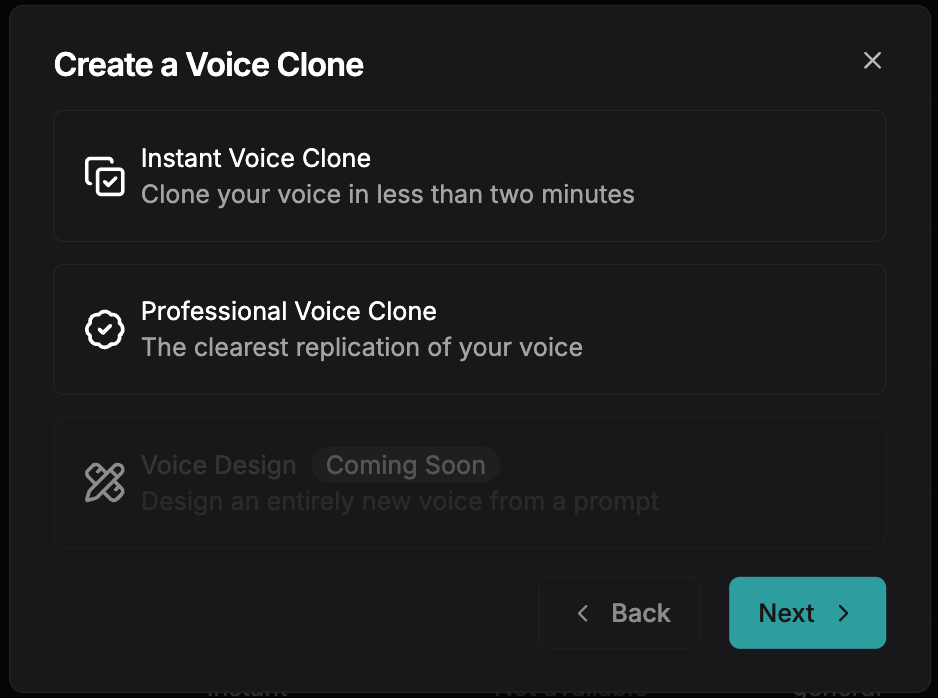
* In the modal that appears, select **Instant Voice Clone**.
 2️. **Upload Your Clean Reference Audio**
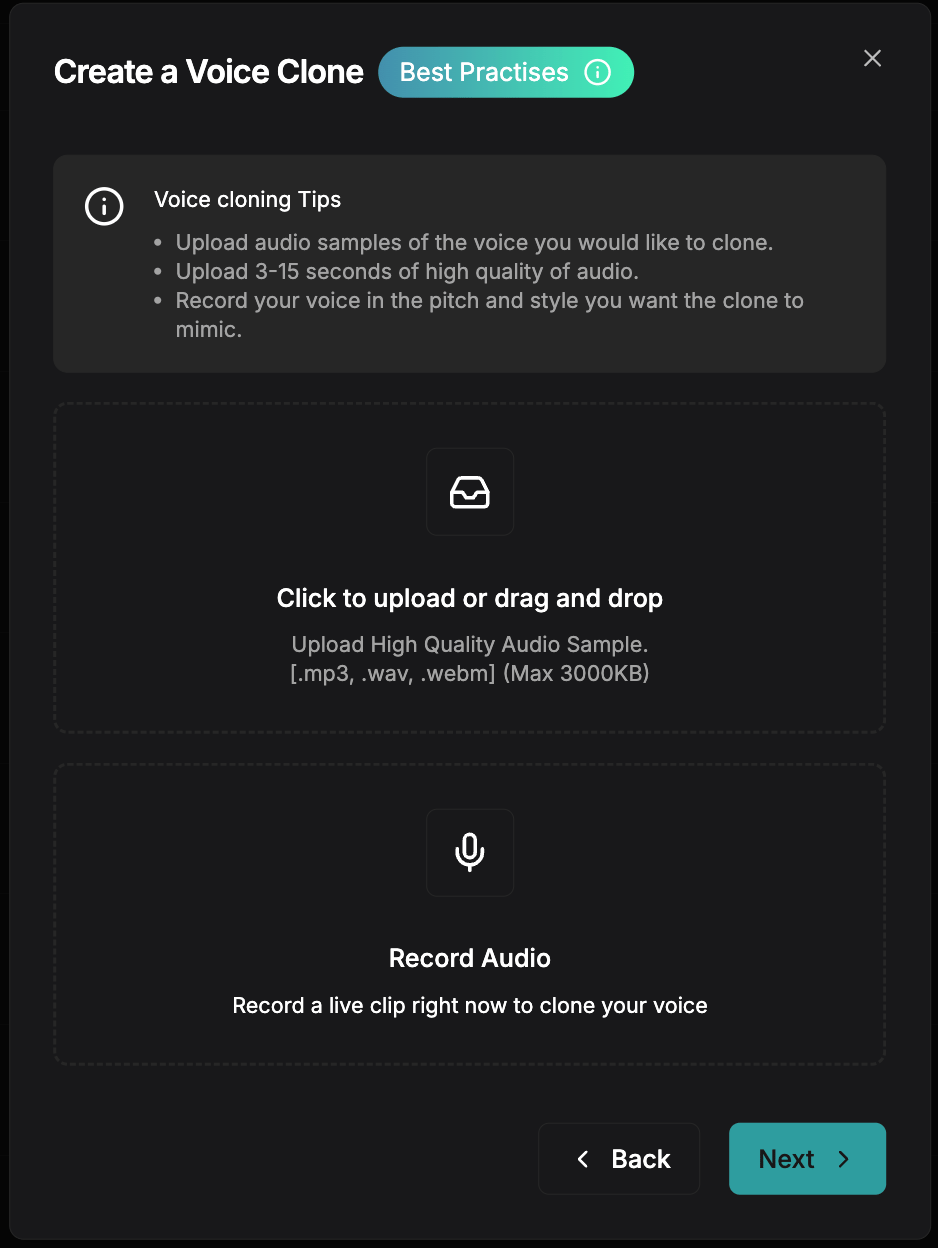
* Select a **short, high-quality** audio clip (5-15 seconds).
* Ensure the recording is **clear and noise-free** for the best results.
* Follow the recommended **[best practices](/v2.2.0/content/best-practices/vc-best-practices)** to maximize quality.
2️. **Upload Your Clean Reference Audio**
* Select a **short, high-quality** audio clip (5-15 seconds).
* Ensure the recording is **clear and noise-free** for the best results.
* Follow the recommended **[best practices](/v2.2.0/content/best-practices/vc-best-practices)** to maximize quality.
 3️. **Review Generated Testing Examples**
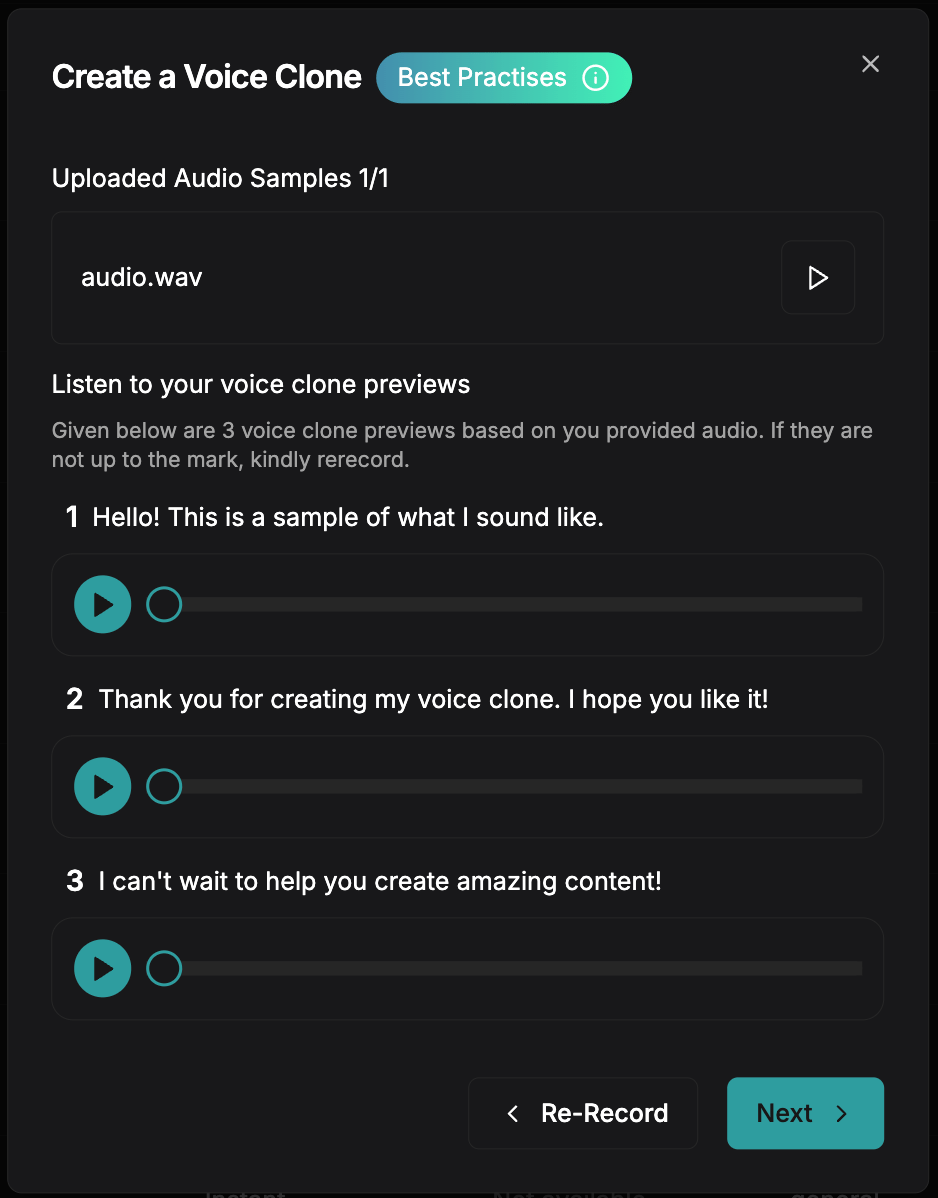
* The platform will process your reference audio and generate **sample outputs**.
* Listen to the test clips to verify the voice match.
3️. **Review Generated Testing Examples**
* The platform will process your reference audio and generate **sample outputs**.
* Listen to the test clips to verify the voice match.
 4️. **Customize & Save Your Voice Clone**
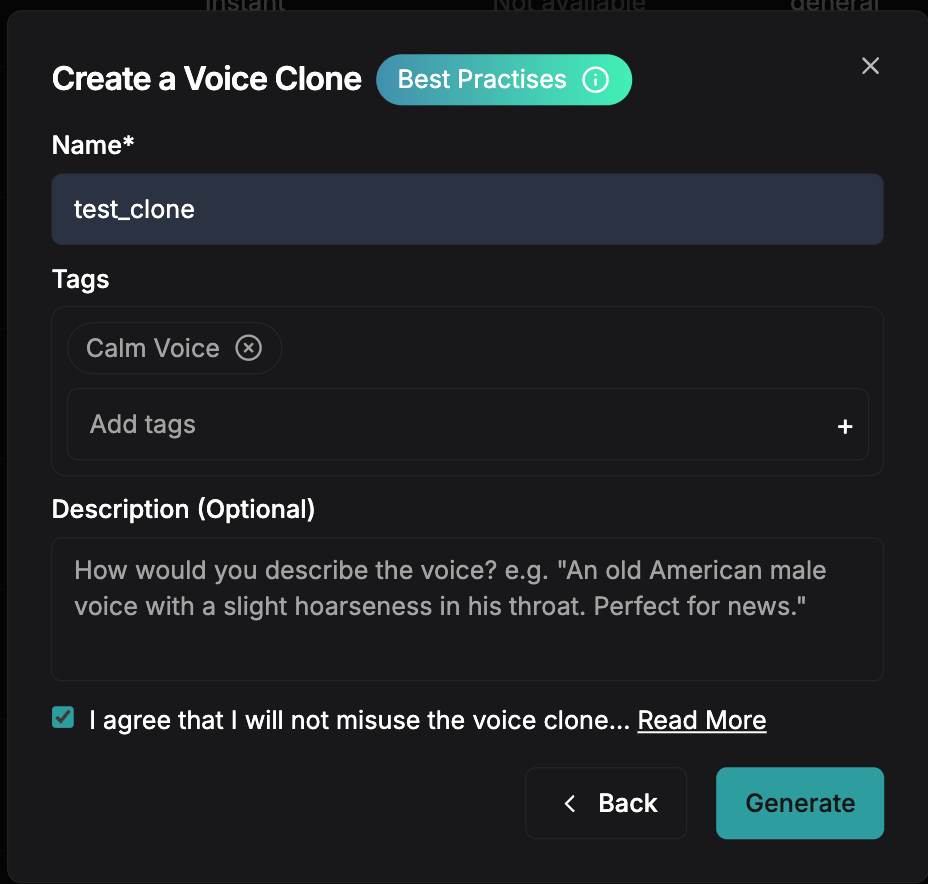
* Fill in details like **Name, Tags, and Description** for your voice.
* Click **Generate** to store your cloned voice.
4️. **Customize & Save Your Voice Clone**
* Fill in details like **Name, Tags, and Description** for your voice.
* Click **Generate** to store your cloned voice.
 If you have any questions or run into any issues, our community is here to help!
* Join our [Discord server](https://discord.gg/ywShEyXHBW) to connect with other developers and get real-time support.
* Reach out to our team via email: [support@smallest.ai](mailto:support@smallest.ai).
If you have any questions or run into any issues, our community is here to help!
* Join our [Discord server](https://discord.gg/ywShEyXHBW) to connect with other developers and get real-time support.
* Reach out to our team via email: [support@smallest.ai](mailto:support@smallest.ai).