> ## Documentation Index
> Fetch the complete documentation index at: https://own-c8c61ef7.mintlify.site/llms.txt
> Use this file to discover all available pages before exploring further.
# Introduction
> Build with Waves - real-time speech AI for text-to-speech and speech-to-text.
Waves is a speech AI platform by [Smallest AI](https://smallest.ai?utm_source=documentation\&utm_medium=getting-started) that provides fast, accurate text-to-speech and speech-to-text APIs.
## Products
Convert text to natural-sounding speech with multiple voices and languages.
Transcribe audio in real-time or from files with high accuracy and low latency.
## Get Started
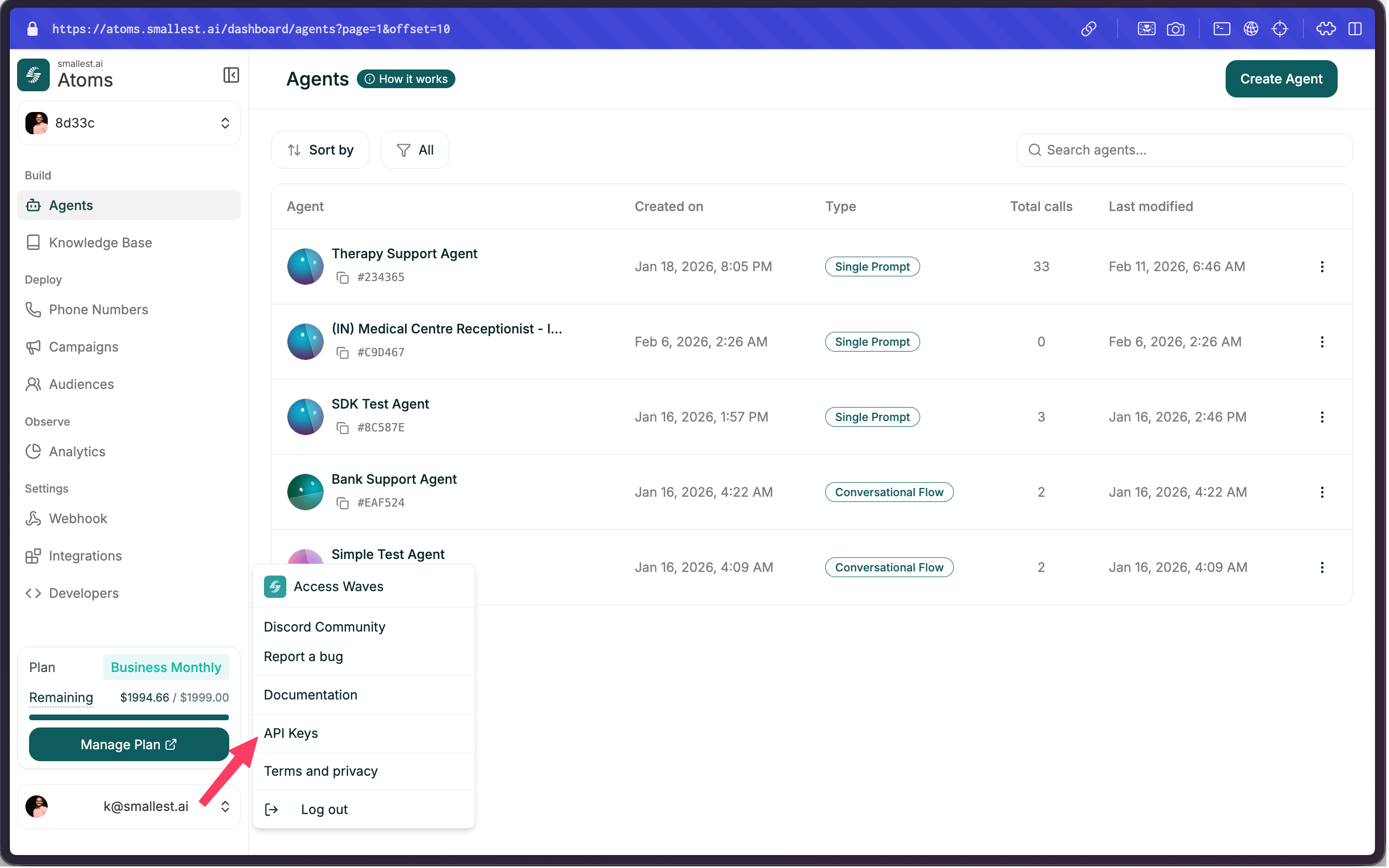 Head over to the [Smallest AI Console API Keys](https://console.smallest.ai/apikeys?utm_source=documentation\&utm_medium=getting-started) to create your API key.
Follow the [TTS Quickstart](/v4.0.0/content/text-to-speech/quickstart) or [STT Quickstart](/v4.0.0/content/speech-to-text/quickstart) to start building.
## Resources
Explore all endpoints
Available TTS & STT models
Example projects
Latest updates
## Support
* **Email**: [support@smallest.ai](mailto:support@smallest.ai)
* **Discord**: [Join our community](https://discord.gg/5evETqguJs)
Head over to the [Smallest AI Console API Keys](https://console.smallest.ai/apikeys?utm_source=documentation\&utm_medium=getting-started) to create your API key.
Follow the [TTS Quickstart](/v4.0.0/content/text-to-speech/quickstart) or [STT Quickstart](/v4.0.0/content/speech-to-text/quickstart) to start building.
## Resources
Explore all endpoints
Available TTS & STT models
Example projects
Latest updates
## Support
* **Email**: [support@smallest.ai](mailto:support@smallest.ai)
* **Discord**: [Join our community](https://discord.gg/5evETqguJs)